At the table
How to remember a wine you had at a restaurant
A quiet way to keep the bottle, the meal, and what you thought — before the label leaves the table.
Updated 6 November 2026
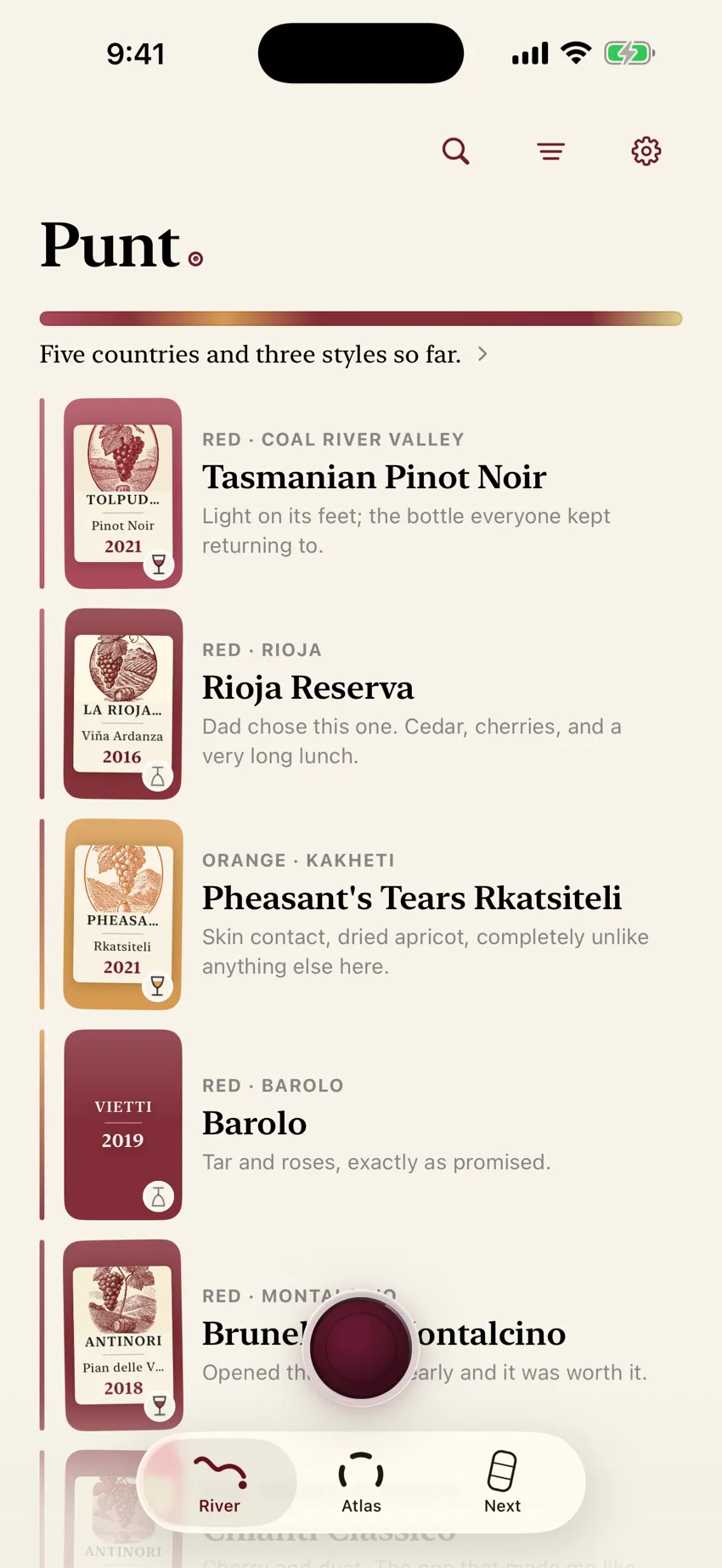
The bottle is still on the table now. By tomorrow it may be a half-remembered red from a place you cannot quite name. The useful moment to keep it is before the label disappears. The useful record is smaller than a tasting form.
You do not need a score. You need a way back.
Keep three things
- The label. One clear photograph preserves the producer, wine, and vintage printed on it, which you may need later.
- Your reaction. Loved it, liked it, or not for me is already enough to make the bottle useful.
- One line about the night. “Smoky red at Elena’s birthday” may help you more than a page of borrowed wine words.
- 1Label photoOne clear photograph of the front label.
- 2ReactionLoved it, liked it, or not for me.
- 3One lineA clue about the night, in your own words.
WSET teaches a structured approach when the job is careful tasting, and notes that keeping notes helps you remember differences between wines. At a restaurant, the smallest note you will actually make usually beats the complete note you postpone and forget.
Photograph the label, not the wine list
A list may omit the vintage or shorten the producer’s name. The bottle carries the exact label you drank.
- Hold the phone square to the label.
- Avoid a hard reflection across the words.
- Include the whole front label when you can.
- If the light is terrible, take two photos — one tight, one a little wider for context.
If an app cannot read it, type the name and keep the bottle anyway. A typed name with your reaction still beats a blank night.
Write the clue your future self will search
Use the words already in your head: the dish, the person, the place, or the one taste that stood out.
Useful notes look like:
- “Peppery with the lamb”
- “Dad opened this at lunch”
- “Bright, lemony, good with the fish”
- “Not for me — too oaky tonight”
You are building a way back to the bottle, not sitting an exam. If you want a little more structure, answer two questions: what did I notice first, and would I want this again? That leaves a record you can understand months later without rating aroma, acidity, and texture at the table.
For help finding words without copying somebody else’s verdict, see wine tasting notes in your own words. For the longer note-taking system — paper, Apple Notes, or a journal — see how to keep wine tasting notes.
What not to do at the table
- Do not turn dinner into a performance. Guests notice a long form more than a one-second photo.
- Do not rely on the check, the receipt, or your camera roll alone. An unlabeled photo of a bottle on a cluttered table is hard to find six months later.
- Do not wait for the “perfect” tasting note. The perfect note is the one that exists.
- Do not let a stranger’s score replace your own reaction. A number may help someone shop. It rarely helps you remember your night.
How Punt handles the moment
Punt is a private wine journal for iPhone. At the table, the path is meant to stay quiet:
- Point at the label and take a photo, or type the wine.
- Choose one of three reactions: Loved it · Liked it · Not for me.
- Add your own line by typing or speaking. Later, in the taxi, is fine.
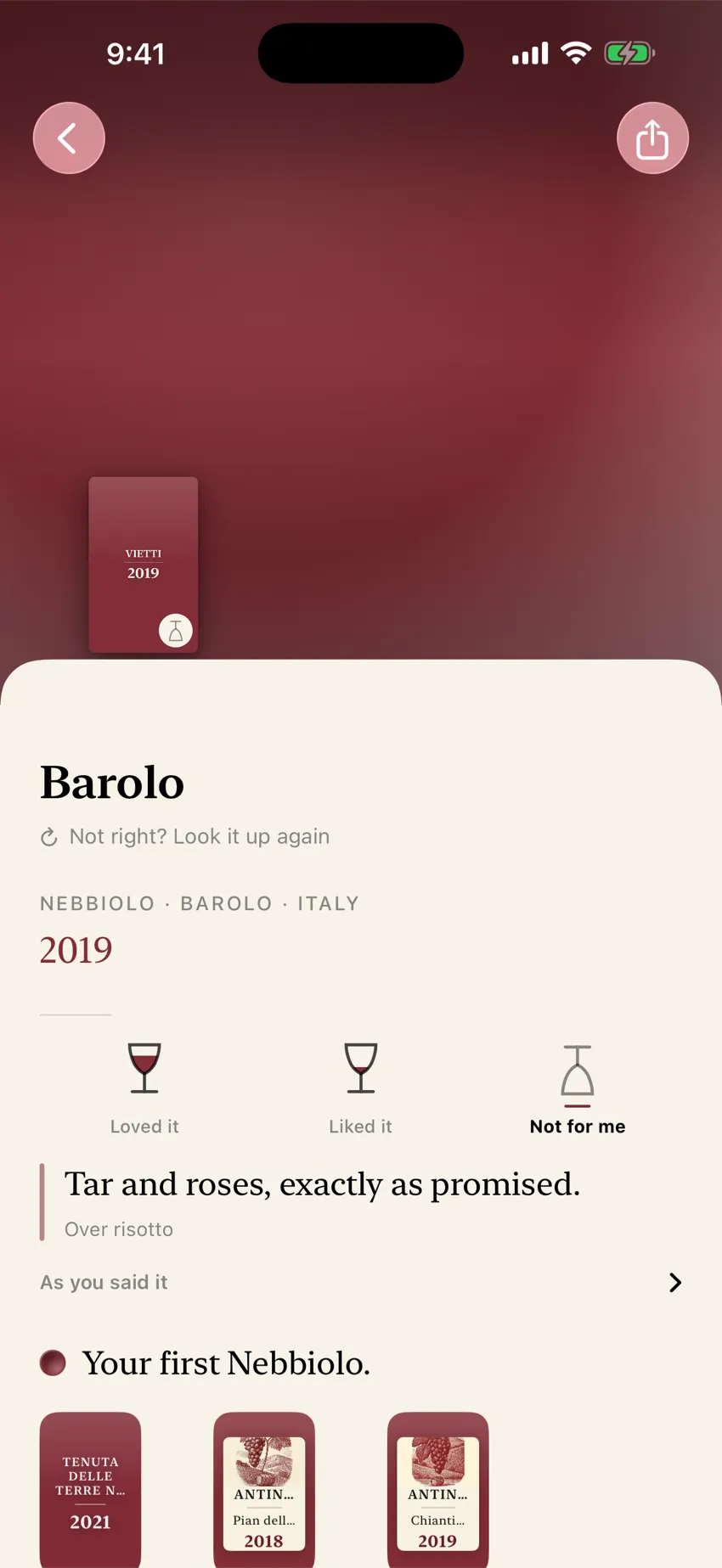
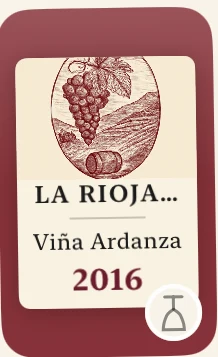
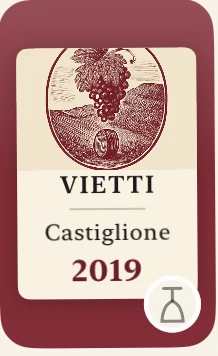
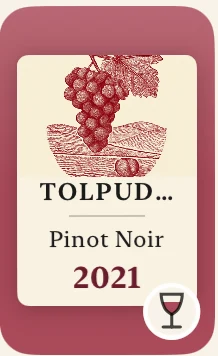
Engraved plates Punt draws for bottles on your shelf.
When Punt identifies the bottle, it keeps a story of place and making beside your note. It does not rewrite your words into critic-speak. There is no feed, no followers, and no streak.
What is free: identification and saving are unlimited. The first twelve successful drawings are free.
What is paid: a one-time in-app purchase (“Draw every bottle,” US$29.99; local App Store pricing applies) unlocks drawings after that. Saving and remembering stay free either way.
Where your data sits: your bottle library stays on the iPhone. There is no Punt cloud backup. Sign in with Apple is optional, and it does not back up or sync the library. When Punt identifies a wine, the label photograph is sent out for processing. Spoken notes are sent when they are transcribed, and wine facts are sent when a picture is drawn. The privacy page names every processor and what leaves the device.Settings can export a text copy of your bottles and notes. That file does not include the label photographs.
Requires iPhone. iOS 18 or later.
After dinner: finding the bottle again
The point of the habit is retrieval. Later you can search by the producer, or by words you wrote such as “lamb” or “Elena,” and filter to the wines you loved. That is different from scrolling a public feed of ratings or managing a cellar inventory of bottles you own but never opened.
If you want the longer system behind this habit — what “private” should mean on iPhone, and how to check an app’s claims — read a private wine journal for iPhone.
Remember the bottle
Remember the bottle before the label leaves
Download Punt on the App Store, photograph one label from a meal you already loved, and write the line only you would write.
Identification and saving are free. Your first twelve successful drawings are free; after that, one US$29.99 purchase draws every bottle. Local App Store pricing applies.
Download Punt