Your bottles
A private wine journal for iPhone
What to look for when you want a wine journal that keeps your notes useful — without turning them into a public profile or a score.
Updated 6 November 2026
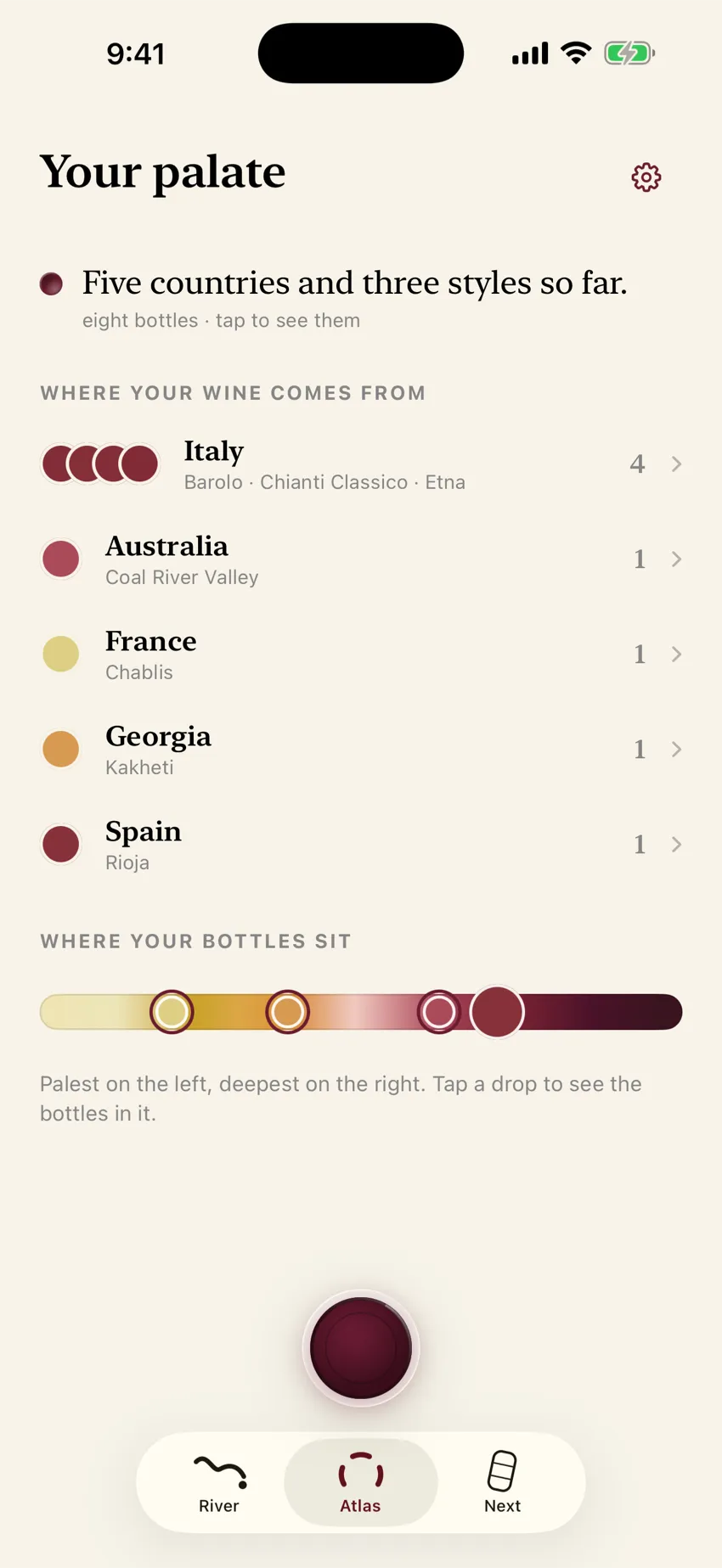
A private wine journal should make your bottles easier to remember. It should not invent a feed, a follower count, a drinking streak, or a reason to perform for strangers.
On an iPhone, that starts with a precise question: which parts stay on the phone, and which parts leave it to make a feature work?
Decide what you are trying to remember
Most wine apps are built for one of three jobs:
- Personal memoryYou can find the bottle you loved at dinner, with your words beside it.
- Public scoreYou see what other people rated, and sometimes buy or discuss.
- CellarYou know what you own, where it sits, and what it might be worth.
| Job | What “success” looks like | Typical tools |
|---|---|---|
| Personal memory | You can find the bottle you loved at dinner, with your words beside it | Private journal, label photo, your reaction |
| Public score / community | You see what other people rated, and sometimes buy or discuss | Vivino and similar scanners with ratings, notes, and a way to buy |
| Collection / cellar | You know what you own, where it sits, and what it might be worth | CellarTracker, InVintory, and other inventory apps |
Those jobs can overlap. Vivino describes itself as a personal wine journal and a cellar as well as a marketplace. They are not the same product.
If your real problem is “I forget the wine from last month’s restaurant,” a global rating database is optional. A reliable label identity, your reaction, and search that understands your clues are not.
Private wine journal vs Vivino-style score apps
Vivino is excellent at what it is built for: scan a label, see community ratings, and often a path toward buying.Vivino’s app page says over 70 million people use its scanner, ratings, recommendations, and community. This page is not an argument that Vivino should disappear.
It is an argument that a score is not a memory.
- Public scoreWhat do people think of this wine?
- Private journalWhat did I think, and how do I find it again?
| Compared | Public score / community scanner | Private memory journal (Punt’s job) |
|---|---|---|
| Primary question | What do people think of this wine? | What did I think, and how do I find it again? |
| Social layer | Ratings, a community, and a feed | No feed, no followers, no streak |
| Your note | You can save a personal rating and tasting notes beside the community score | The point of the record |
| Shopping | Often a path to buy | Not a marketplace |
| Best when | You want consensus or a purchase path | You want a personal shelf of nights and bottles |
Other private journals exist. Privacy and “no feed” are table stakes in that niche, not a unique slogan. What still has to be earned is a quiet restaurant workflow, a story of place and making beside your own words, and a record you can actually retrieve.
Punt keeps the place, the making, and your reaction beside the bottle, without asking you to perform. A community score can still be the right tool when you want one. It is a different record from the night you had.
This page is what “private” should mean, and how to check an app’s claims. For the explicit Vivino comparison, read a Vivino alternative when you want your own notes.
What a useful personal journal usually needs
- A reliable bottle name and vintage
- The photograph that proves which label you saw
- Your own reaction and words
- Search that can find the bottle from any of those clues
Public ratings, badges, and a global cellar database are different jobs. If your goal is memory, each one adds data and attention without necessarily making your own bottles easier to find.
For the restaurant version of the habit, see how to remember a wine you had at a restaurant. For writing notes without wine-speak, see wine tasting notes in your own words. For a longer system of where those notes live, see how to keep wine tasting notes.
“Private” should describe the mechanism
Look for a specific answer, not a reassuring adjective:
- Are bottle records stored on the device?
- Is there cloud sync?
- Does the app use an analytics or advertising SDK?
- When a photograph or recording is processed elsewhere, who receives it and how long is it kept?
Apple’s App Privacy Report can show the permissions an app used and the domains it contacted. Apple’s app privacy details also distinguish data kept on a device from data a developer collects, which means data transmitted off the device. Those tools make a written privacy promise easier to check against what the app actually does.
Check the exit before you begin
Local storage has a clear tradeoff: deleting the app can delete the journal. A private journal should say that plainly and give you an export you can keep.
If sync across devices matters more to you than a device-only library, choose a product that promises sync and explains the account behind it. Do not assume “Sign in with Apple” means backup. Often it does not.
How Punt draws the boundary
Punt keeps bottles, photographs, reactions, and notes in its app container on the iPhone. There is no account database of your library and no Punt cloud copy. Sign in with Apple is optional. It does not back up or sync the library.
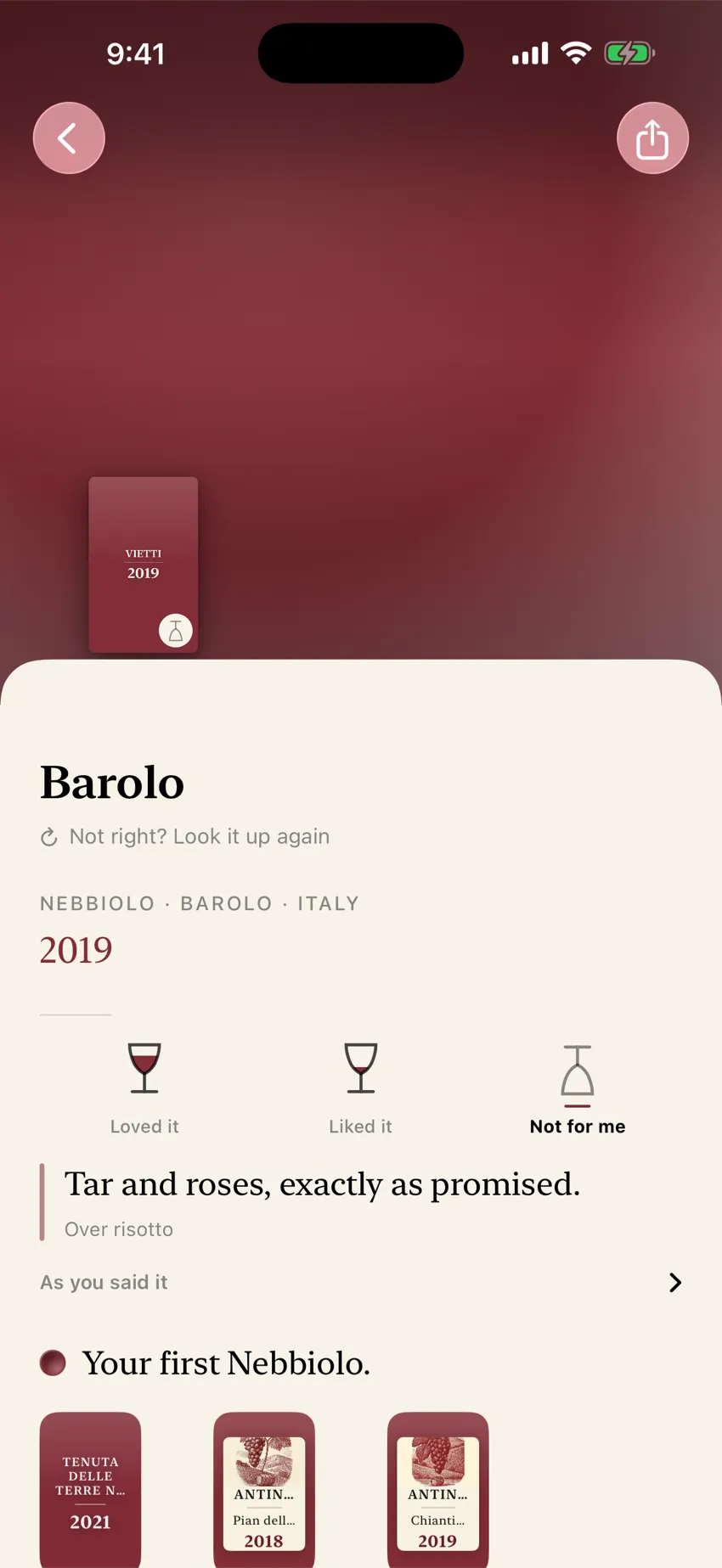
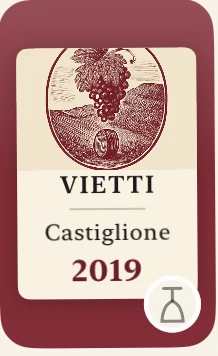
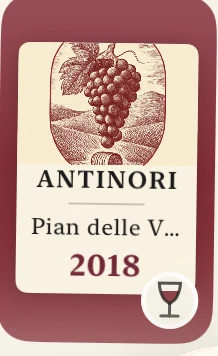
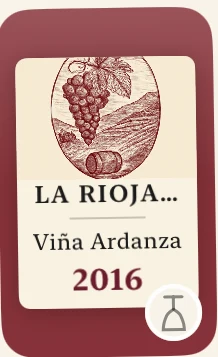
Engraved plates Punt draws for bottles on your shelf.
Label photographs leave the phone when Punt identifies a wine. Spoken notes leave when they are transcribed. The wine’s name and facts leave when Punt draws its pictures. Opening Next can also send bottle facts and your reactions, without photographs or your notes. Punt’s privacy page names the routes, processors, and retention position.
Punt has no third-party analytics or advertising SDK in the app. This website uses Google Analytics only after a visitor allows it, and it measures the website rather than anyone’s wine library.
Offer, stated plainly
- Identification and saving: free and unlimited
- First twelve successful drawings: free
- “Draw every bottle”: one-time US$29.99 in-app purchase (local pricing applies) to remove the drawing limit
- Saving, remembering, and export remain available without that purchase
- Requires iPhone. iOS 18 or later
The drawings are the part you can buy. The memory stays available either way. Do not buy drawings if what you wanted was cloud sync. Punt does not sell that today.
Settings exports a text file of the bottles and notes on this phone. It does not include the label photographs. Deleting the app deletes the journal, because there is no cloud copy.
When another tool is the better choice
Choose a community score / marketplace scanner (including Vivino) when you mainly want consensus ratings, social discovery, or a path to buy the bottle. Vivino also lets you keep your own rating and tasting notes, and it includes a cellar. Choose it when that public layer is what you wanted.
Choose a cellar tracker when you own many bottles and need inventory, location, or drinking windows.CellarTracker is built to track wines you own, with community reviews; its subscription adds tools such as cellar valuation and broader drinking windows.InVintory is built to show what you have and where it sits, with drink windows and collection value.
Choose a private journal when the job is “bring back the night and the bottle I actually drank.”
Fair coexistence beats forced migration. You can keep a score app for shopping and a private journal for memory.
Disclosure
This page is written by Punt. Vivino, CellarTracker, and InVintory are independent products. Descriptions of their strengths come from their public pages, linked below, not from a paid relationship. We are not affiliated with them.
Remember the bottle
Keep the bottles that were yours
If you want a wine journal that starts with your reaction — not a stranger’s number — try Punt on one bottle you already care about. Photograph the label, mark Loved / Liked / Not for me, and write the line only you would write.
Identification and saving are free. Your first twelve successful drawings are free; after that, one US$29.99 purchase draws every bottle. Local App Store pricing applies.
Download PuntQuestions
Does Punt keep a cloud copy of your library?
No. Bottles, photographs, reactions, and notes stay in the app container on the iPhone. There is no account database of your library and no Punt cloud copy. Sign in with Apple is optional. It does not back up or sync the library.
What leaves the phone?
Label photographs leave the phone when Punt identifies a wine. Spoken notes leave when they are transcribed. The wine’s name and facts leave when Punt draws its pictures. Opening Next can also send bottle facts and your reactions, without photographs or your notes.
What if you delete the app?
Deleting the app deletes the journal, because there is no cloud copy. Settings exports a text file of the bottles and notes on this phone. It does not include the label photographs.
Sources
- Apple: About App Privacy Report
- Apple: App privacy details
- Vivino: the app
- Vivino: the complete guide to the Vivino experience
- Vivino: how the label scanner works
- Vivino on the App Store: personal ratings, reviews, and notes
- CellarTracker
- CellarTracker: subscription features
- InVintory
- Punt: privacy
- Punt: support and export